Top UI/UX Design Tools Every Designer Should Know in 2026

April 2, 2026
April 2, 2026
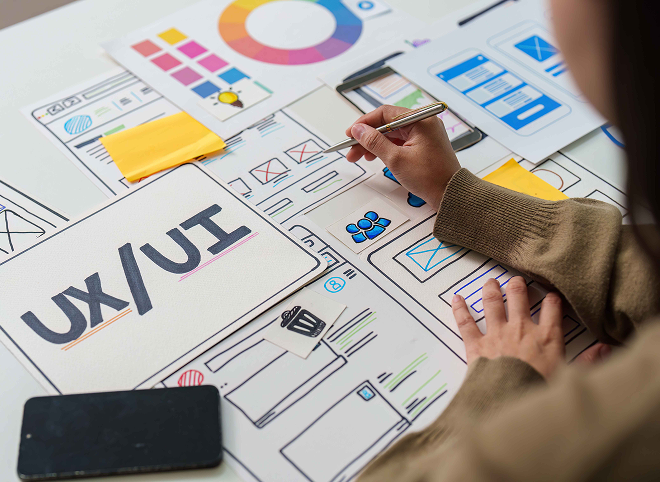
The design tools are constantly changing. What was the latest and greatest two years ago may now be obsolete – or perhaps an even better, more collaborative tool has taken its place. The tools you spend time learning now could shape your efficiency, your team collaboration and your career.
Here’s our comprehensive guide to essential UI/UX design tools in 2026, categorized by their placement in the workflow so you know what to reach for, when and why.
Figma — Industry Standard
Figma continues to dominate UI design. Its browser-based, real-time collaborative nature lets designers, developers, and product managers explore a single file at once, eliminating version control nightmares that can stall project timelines. Features such as Auto Layout, reusable component libraries, design variables, and even AI workflows, help teams create scalable and responsive interfaces more quickly than ever.
For new designers entering the field, Figma is often one of the first programs employers expect them to be proficient in. Whether you’re designing mobile apps, websites, dashboards, or a full design system, Figma is an all-in-one platform, from initial wireframing to high-fidelity prototyping. To get started in understanding its tools, workspace and functionality, try the Introduction to Figma Interface & Workspace course from Classpedia before you begin with further UI/UX projects.
Adobe XD
Many organizations deeply invested in the Adobe Creative Cloud ecosystem continue to use Adobe XD. For companies who already rely on products such as Photoshop, Illustrator, and After Effects, XD fits seamlessly into their established workflow, allowing designers and marketing professionals to keep their design assets within a familiar environment.
If you anticipate working within corporate environments such as finance, healthcare, education or government sectors, you’ll likely still come across Adobe XD within the existing workflow. Newer tools have popped up, but the vast majority of large businesses continue to have extensive design systems and established workflows built around Adobe XD. Understanding its core functions and capabilities regarding wireframing, interface design, and prototyping can therefore be highly advantageous, especially when interacting with the existing systems and teams that rely on it. Using both modern and legacy tools will make you more versatile and valuable.
Framer
Framer has transitioned from a purely prototyping tool to an end-to-end website building platform that sits at the crossroads between design and development. Designers can now create highly interactive prototypes and animate design transitions and responsive layouts before deploying them directly to the web without extensive coding knowledge. This tool is ideal for startups, personal portfolios, landing pages, and marketing sites that need a quick and polished website without significant technical limitations.
For companies that need to launch their products as quickly as possible, Framer will dramatically reduce the time it takes to get designs from conception to a live, fully functioning website. This platform and its accompanying CMS features and hosting abilities also makes it one of the most powerful tools available for designers who need a bit more control over the final product.
Whimsical
Whimsical is a fast and highly collaborative lightweight tool that allows you to quickly and efficiently get down ideas in the form of wireframes, user flows, journeys maps, flowcharts and more, without letting the process get sidetracked by fine details. It’s the ideal tool when it comes to brainstorming, early concept generation, or visualizing information hierarchy for early product development.
In the fast-paced world of product development, Whimsical is a must-have tool during brainstorming sessions and early concept stages. By allowing team members to collaborate in real-time, ideas can be quickly communicated and validated, reducing the likelihood of confusion and misunderstandings that can plague product development.
Balsamiq
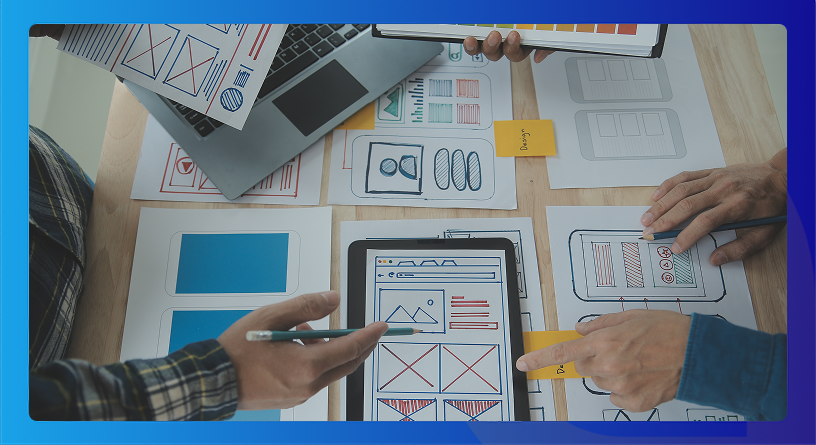
Balsamiq adopts a deliberately low-fidelity, hand-drawn-like aesthetic, and it’s exactly this which makes the tool excel. Balsamiq strips design down to the absolute fundamentals-layout, structure, information, flow-eliminating the distraction of colors, fonts, or specific styling to enable a focus on usability.
When working with clients or stakeholders unfamiliar with the product development process, polished designs will immediately lead to aesthetic criticism. Balsamiq solves this problem with its inherently sketchy feel, clearly conveying that the design is still in its preliminary stages. This means you’ll be able to discuss the product’s functional design, rather than wasting time on stylistic critiques.
Maze
Maze is a usability testing platform that allows designers to test their Figma prototypes more effectively. Instead of relying on anecdotal evidence, Maze collects real user behavior, providing concrete data on how users interact with the design, allowing you to uncover friction within your product experience and make it so much more efficient. It’s perfect when you need to validate user flow or the functionality of a new feature without the hassle of live user interviews for every design iteration.
Beyond that, Maze produces automatic data that shows exactly how users interact with the design by providing heat maps, misclick reports, click maps, drop-off analysis, and more. This is an extremely valuable tool to bring to meetings and present stakeholders with factual and measurable evidence of issues, and it simplifies making decisions based on empirical data.
Hotjar
Hotjar allows you to understand how actual users behave on live applications and websites by monitoring session recordings, providing heatmaps, scroll tracking and on-page feedback polls. This tool shows where users click, how far they scroll on a page and where they drop off as they navigate your product, which helps you find and fix areas of friction in the user experience.
For designers, product managers, and the entire development team, Hotjar bridges the gap between how a user experience should be and how it actually is. It provides insights into where users drop off and where they become confused, which not only strengthens usability but also optimizes your product’s performance through the elimination of costly user-related issues.
Lookback
Lookback enables designers to witness live user interviews in real time as users interact with prototypes or a live application. This allows them to ask clarifying questions on the spot and fully comprehend user behavior throughout the product experience. The tool’s ability to capture facial reactions and user thought processes also means it’s one of the most insightful qualitative tools on the market.
Rather than purely focusing on metrics, Lookback allows for real human interaction between designer and user, ensuring that nuances of usability are not missed in the development process. It is the perfect tool when conducting early usability testing to get into the heads of users and understand exactly why they behave in a certain way.
Figma Dev Mode
Figma Dev Mode is the tool that’s used by far the most now. Dev Mode turns design files into code for CSS, iOS and Android, and allows developers to view spacing, typography and assets without having access to the design files. This has put many separate handoff tools out of business as Figma continues to build on it.
Zeplin
Zeplin is still used by many established teams who invested in it prior to the maturation of the Figma Dev Mode. Zeplin still offers robust annotations features, and integration with the likes of Jira and Slack for design review.
Rive
Rive is the leading solution for producing interactive animations that will run natively across the web and mobile. Animated icons, loaders, onboarding… whatever the scenario, Rive exports lightweight, native vector animations that can be embedded in to an application directly without having to turn it into a video. Having knowledge of Rive will differentiate designers significantly in 2026.
Principle
When animating interface transitions to demonstrate the desired design intent quickly, Principle is incredibly fast and easy to use (Mac only). Videos produced via Principle can be embedded into case studies and presentations with ease.
Storybook
While Storybook is essentially a developer tool, a UI/UX designer who invests time in learning it gains a massive edge in cross-functional teamwork. It is a live, interactive library of components; where every UI element in the product is built, documented and tested in isolation. Unlike static designs in Figma, these are the components in the true production-ready state; they are a much more reliable point of comparison to understand the differences between the intended designs and their final development.
For designers in the context of a modern product team with an evolving design system; using Storybook avoids design files becoming out-of-date and inconsistent. When designers understand Storybook they are able to communicate better with developers, and design reviews are more efficient and with a greater understanding of the implications of any desired changes.
The best UI/UX designers in 2026 will not be characterized by their mastery of one single tool but rather their knowledge of which tool to use when in the workflow. From wireframing to user testing, developer handoffs, animation design, and design system maintenance; modern design workflows have become about more than just single tools but the interconnectedness between the various platforms. The best UIs of the future are not just about the tool they were built in; but the entire process behind them.
Despite all of the above, the primary tool that most design teams work within remains the aforementioned Figma; due to its accessibility and strong collaborative functionality. Tools such as Framer, Maze, Hotjar, Rive and Storybook continue to be essential in helping designers create quality UI/UX design; and an understanding of this suite of tools will certainly give designers the edge in this increasingly competitive market.
 Table of Content
A simple, guided process designed to help you learn efficiently, track progress, and earn a recognized professional certificate.
Start building in-demand skills designed to help you grow faster. Unlock advanced learning tools.
Explore Courses Home
Home
 02-Apr-2026
 11:08 AM